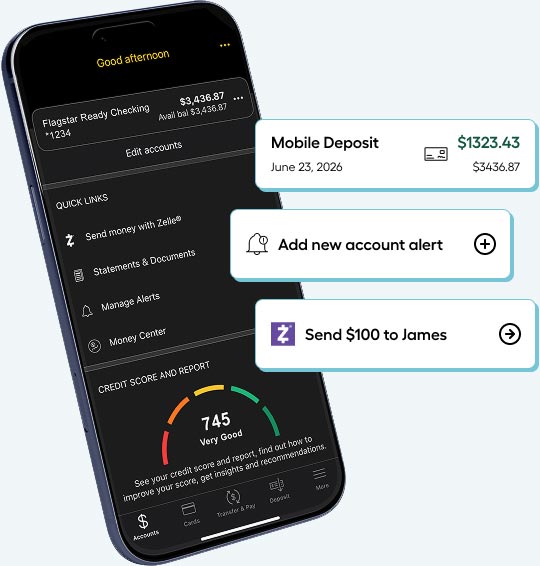
1You must be a new personal checking customer of Flagstar Bank. You must open a Flagstar Ready Checking account or a Flagstar Elite Checking account. You will receive either a $300 credit into your Flagstar Ready Checking account or a $500 credit into your Flagstar Elite Checking account as a bonus 91–104 days after account opening, subject to the following conditions: Within the first 90 days after account opening, you must receive one or more direct deposits (ACH credits) totaling at least $500 during each of the three consecutive 30-day timeframes (days 1-30, days 31-60, and days 61-90), for a cumulative total of at least $1,500 in direct deposits (ACH) credits to qualify for the Ready Checking $300 offer; or at least $2,500 during each of the three consecutive 30-day timeframes (days 1-30, days 31-60, and days 61-90), following account opening (for a cumulative total of at least $7,500) to qualify for the Elite Checking $500 offer. For purposes of this offer, "direct deposit" means an electronic deposit of your paycheck, pension, Social Security, or other regular monthly income deposited into your account via ACH. Additionally, (i) this offer is limited to one promotion per household; (ii) if any signer on this account has been paid a checking cash bonus previously, you are ineligible to receive this offer; (iii) this offer cannot be combined with any other offers or promotions; (iv) early account closure fee and reclamation of bonus may be imposed for accounts closed within 180 days; and (v) Flagstar Bank employees are not eligible for the offer. For tax purposes, the value of any cash bonus or incentive is considered taxable as interest and you will receive an IRS form from Flagstar Bank. Consult your tax advisor regarding your specific tax situation. Offer subject to change or cancellation at any time without notice. Receiving this offer does not guarantee your eligibility. All account applications are subject to our normal approval process. Area restrictions may apply.