Close

Before you go

You are about to leave flagstar.com and access a site administered by a third-party. The site you are going to may have different privacy and security policies. We recommend that you review these policies on the linked site. If you choose to proceed, a new browser window will open. To return to flagstar.com, close the new browser window.

Earn up to $5001 when you refer friends and family to Flagstar. Learn more

ONLINE BANKING

Secure, 24/7 money management

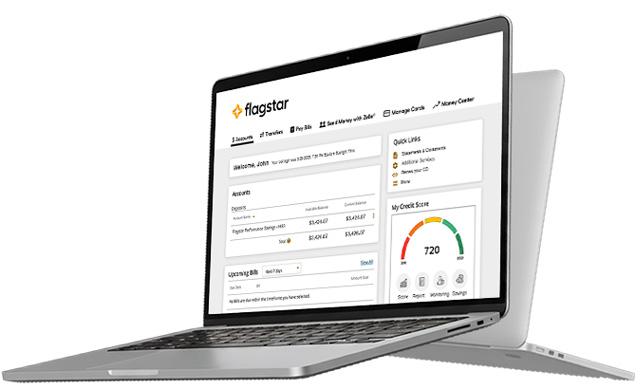
Flagstar Online Banking gives you secure, around-the-clock access to manage your accounts, send money with Zelle®, pay bills, and transfer funds. Plus, you can track spending and stay in control with tools like Money Center, Debit Card Controls, and Account Alerts.

image of laptop

Why choose online banking with Flagstar?

Icon of a computer and a smartphone with dollar signs

Convenient ways to pay

Pay one-time or recurring bills and transfer funds quickly with Zelle®.

Icon of a clock with the text 24h

Around the clock access

24/7 access to your account, at your fingertips.

Icon of a lock

Safe and secure banking

Flagstar keeps your account secure with strong security measures for every transaction.

Tools to protect your money

Keep every transaction secure with Flagstar’s suite of online banking security features. Set up account alerts, control debit card limits, and monitor your credit score.

image of laptop

Manage and move your money with ease

Send money quickly with Zelle®, pay bills on time, transfer funds, and track your account activity—all in one secure place.

image of laptop
play button image

Want to see how Online
Banking works?

Learn how to use our Online Banking tools with these interactive demos. We guide you step by step so you can get to banking.

How do you enroll in Online Banking?

Bank on the go with our  Mobile App

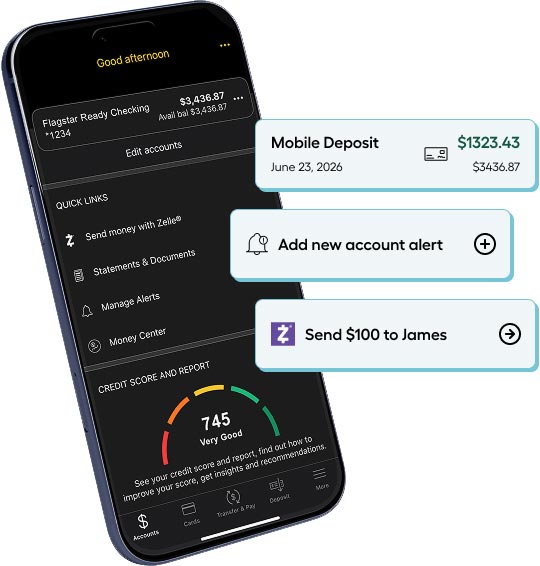
Our Mobile App lets you pay bills, send money with Zelle,® deposit checks,2 and much more. Add this easy-to-use app to your Android or iPhone and manage your money on your schedule.3

4.7 out of 5 on the Apple App Store as of 6/1/2026

4.7 out of 5 stars
visit the following URL to download our app from the apple store: https://apps.apple.com/us/app/flagstar-mobile-banking/id972805390 or Visit the following URL to download our app the Android URL https://play.google.com/store/apps/details?id=com.mynycb.nycb&hl=en_US&gl=US

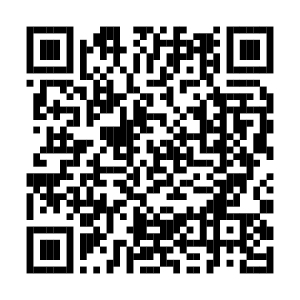
Scan this code with your phone’s camera to download the Flagstar Mobile App from the Apple App Store or Google Play Store.

Images of the login and alerts screens of mobile banking

2Not all devices supported. Available for eligible personal and business checking and savings account customers only. Must be an active mobile banking user. Must be a customer for a minimum of two business days. Accounts must be in good standing.

3Apple and the Apple logo are trademarks of Apple Inc., registered in the U.S. and other countries. App Store is a service mark of Apple Inc. Android, Google Play, and the Google Play logo are trademarks of Google Inc.

4Not all devices supported. Available for eligible personal and business deposit account customers only.

Zelle® and the Zelle® related marks are wholly owned by Early Warning Services, LLC and are used herein under license.