Mobile Banking Demos

FDIC-Insured—Backed by the full faith and credit of the U.S. Government
Close
Before you go

How to reset your password
Follow the steps to reset your password and restore secure access to the Flagstar Mobile App whenever you need it.
The Flagstar Mobile App is rated 4.7 out of 5 on the Apple App Store as of 10/1/2026.

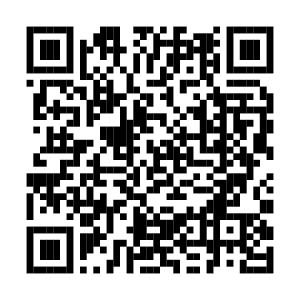
Scan this code with your phone’s camera to download the Flagstar Mobile App from the Apple App Store or Google Play Store.


FAQs
If you are logging in to Online Banking and have forgotten your password, click on the Forgot Password link located on the login screen. From there, follow the prompts to reset your password. If you have forgotten your username, click on the Forgot Username link located on the login screen. From there, follow the prompts to recover your username.
If you are logging in to the Flagstar Mobile App and forgot your User ID and/or password, select the Trouble logging in? link from the Flagstar Mobile App homepage and follow the instructions.
If a password is entered incorrectly three times, it will become locked. To unlock the password, please call 888-248-6423.
We do everything we can to make your Online and Mobile Banking experience as secure as possible. Each transaction is equipped with high-tech protection allowing you to bank with peace of mind.
When you log in using your mobile device, you are logging in with the same multi-layer security that is used as if you logged on from your desktop computer. We confirm your credentials along with the device you are using.
We also provide a comprehensive suite of security features so you can stay in control of your account 24/7. With Debit Card Controls, you can freeze your card, set spending limits, and more. Account Alerts keep you in-the-know with real-time information. Set up Touch and Face ID in your Flagstar Mobile Banking app for added protection.
Explore more Mobile Banking demos


How can we help you?


Still have questions?

Give us a call

Visit us
Zelle® and the Zelle® related marks are wholly owned by Early Warning Services, LLC and are used herein under license.